When using MEXC, some users need to export their personal deposit and withdrawal history from their MEXC accounts. This article will provide you with a detailed guide on how to export your depositWhen using MEXC, some users need to export their personal deposit and withdrawal history from their MEXC accounts. This article will provide you with a detailed guide on how to export your deposit
Learn/Trading Guide/Spot/How to Export Deposit and Withdrawal History

How to Export Deposit and Withdrawal History

Sep 21, 2026MEXC
3 min

When using MEXC, some users need to export their personal deposit and withdrawal history from their MEXC accounts. This article will provide you with a detailed guide on how to export your deposit and withdrawal history.

1. Web


You can export your deposit and withdrawal history on the website's spot account statement page and deposit/withdrawal history page.

1.1 Exporting from the Spot Statement Page


Open the MEXC official website and log in to your account. In the navigation bar under [Wallets], click on [Spot].


On the right side of the Spot assets page, click on [Spot Statement].


On the Spot Statement page, select "Deposit/Withdraw/Send," then click the [Export] button on the right side.


In the "Transaction Type" section, select "Deposit/Withdraw/Send." You can choose from four different data ranges: All, Deposit/Withdrawal, Fees, and Funds Sent. Select the data range you want to export.

Set the "Crypto," "Direction," and "Time" for the export records. Choose whether to check "Encrypt the file", and click [Generate] to export the deposit and withdrawal history.


Please note that there is a monthly limit on the number of times you can export spot account statements. Refer to the display on the page for the specific limit. Plan your export operations according to your needs and avoid frequent operations. If you need to export a large number of spot account history, try exporting the data in multiple batches to prevent file crashes.

1.2 Exporting from the Transaction History Page


In addition, you can also go to the [Transaction History] page, select "Deposit" or "Withdrawal," and then click [Export].


In the "Type" section, there are three different data ranges: Deposit, Withdraw, and Other. Select the data range you want to export.

Set the "Time" for the wallet history you want to export and choose whether to check "Encrypt the file" and "Auto-send to email after generation." You can "Set File Password" and the "Email" to receive the file (by default, it is the email linked to your account). Click [Generate] to export the deposit and withdrawal history.


Similarly, please note that there is also a monthly limit on the number of times you can export the transaction history. Refer to the display on the page for the specific limit. Plan your export operations according to your needs and avoid frequent operations. If you need to export a large number of records, try exporting the data in multiple batches to prevent file crashes.

2. App


Open the MEXC App and log in to your account. Tap on the user icon in the top left corner, select [Transactions], and tap on [Deposits/Withdrawals].


On the spot history page, select "Funding History," then tap the export button in the top right corner. On the Export Transaction History page, click on [+ Export New].

In "Record Type", there are options for Deposit, Withdrawal, and Others. Select the data range you want to export.

Set the "Period" for exporting history and choose whether to check "Encrypt the file" and "Email me once generated." Tap [Generate] to export the deposit and withdrawal history.


Please note that there is a monthly limit on the number of times you can export your transaction history. Please refer to the display on the page for the specific limit. Plan your export operations according to your needs and avoid frequent operations. If you need to export a large number of records, try exporting the data in multiple batches to prevent file crashes.

Disclaimer: This information does not provide advice on investment, taxation, legal, financial, accounting, consultation, or any other related services, nor does it constitute advice to purchase, sell, or hold any assets. MEXC Learn provides information for reference purposes only and does not constitute investment advice. Please ensure you fully understand the risks involved and exercise caution when investing. The platform is not responsible for users' investment decisions.

Market Opportunity
DEAPcoin Logo
DEAPcoin Price(DEP)
$0.0009777
$0.0009777$0.0009777
+5.00%
USD
DEAPcoin (DEP) Live Price Chart

Popular Articles

View More
MEXC Deposit & Withdrawal Guide: Fees, Limits & KYC Requirements FAQ

MEXC Deposit & Withdrawal Guide: Fees, Limits & KYC Requirements FAQ

Key Takeaways Bitcoin deposits require 2 block confirmations, Ethereum needs 10 confirmations, and USDT on ERC-20 requires 96 network confirmations before crediting. MEXC's pre-crediting system
What is Tether (USDT)? Complete Guide to the Top Stablecoin in Crypto

What is Tether (USDT)? Complete Guide to the Top Stablecoin in Crypto

Tether (USDT) has revolutionized the cryptocurrency landscape by bringing stability to an inherently volatile market. As the bridge between traditional finance and the decentralized world, this
Deposit EUR via Online Bank Transfer

Deposit EUR via Online Bank Transfer

Online Bank Transfer deposits are processed via Open Banking, enabling you to securely authorize payments directly from your bank account without manually entering bank details. This guide provides a

What are Memos/Tags?

What are Memos/Tags?

Whether using a wallet or an exchange, when users initiate deposits and withdrawals, it's crucial to input the correct address. However, for certain digital assets, along with the address, users must

Trending News

View More
ZEC Price Breaks $1,650 as Zcash Rally Gains New Catalysts

ZEC Price Breaks $1,650 as Zcash Rally Gains New Catalysts

ZEC briefly broke above $1,650 as a new European ETP, short liquidations, NU7 expectations and stronger shielded activity supported demand.
How to Link a MEXC Card to TenPayGo

How to Link a MEXC Card to TenPayGo

Learn how to link a MEXC Card to TenPayGo, complete card verification, use Apple Pay as an alternative, and fix common binding errors.


Tokenized Stock Trading Hits $20.9B: Why Uniswap Leads

Tokenized Stock Trading Hits $20.9B: Why Uniswap Leads

Tokenized stock trading has reached a new liquidity milestone, generating approximately $20.9 billion in decentralized exchange volume over the past 30 days. Uniswap accounted for 60.1% of that activi

Issuer-Sponsored Tokenized Securities: Do Rights Follow?

Issuer-Sponsored Tokenized Securities: Do Rights Follow?

Bullish and Equiniti have formed the Issuer Sponsored Token Coalition with Alpaca, Apex Fintech Solutions and DriveWealth among its initial participants, bringing together firms spanning trading, brok

Related Articles

View More
Must-Read for New Users! 11 MEXC Spot Trading FAQs

Must-Read for New Users! 11 MEXC Spot Trading FAQs

As the cryptocurrency market rapidly develops, spot trading has gradually become the preferred entry point into the digital asset world for many investors, especially beginners. Spot trading offers ad
Spot Market Trading Rules

Spot Market Trading Rules

In cryptocurrency spot trading, beyond price analysis and strategy selection, understanding and following the trading platform's market rules is equally crucial. For MEXC users, each trading pair not
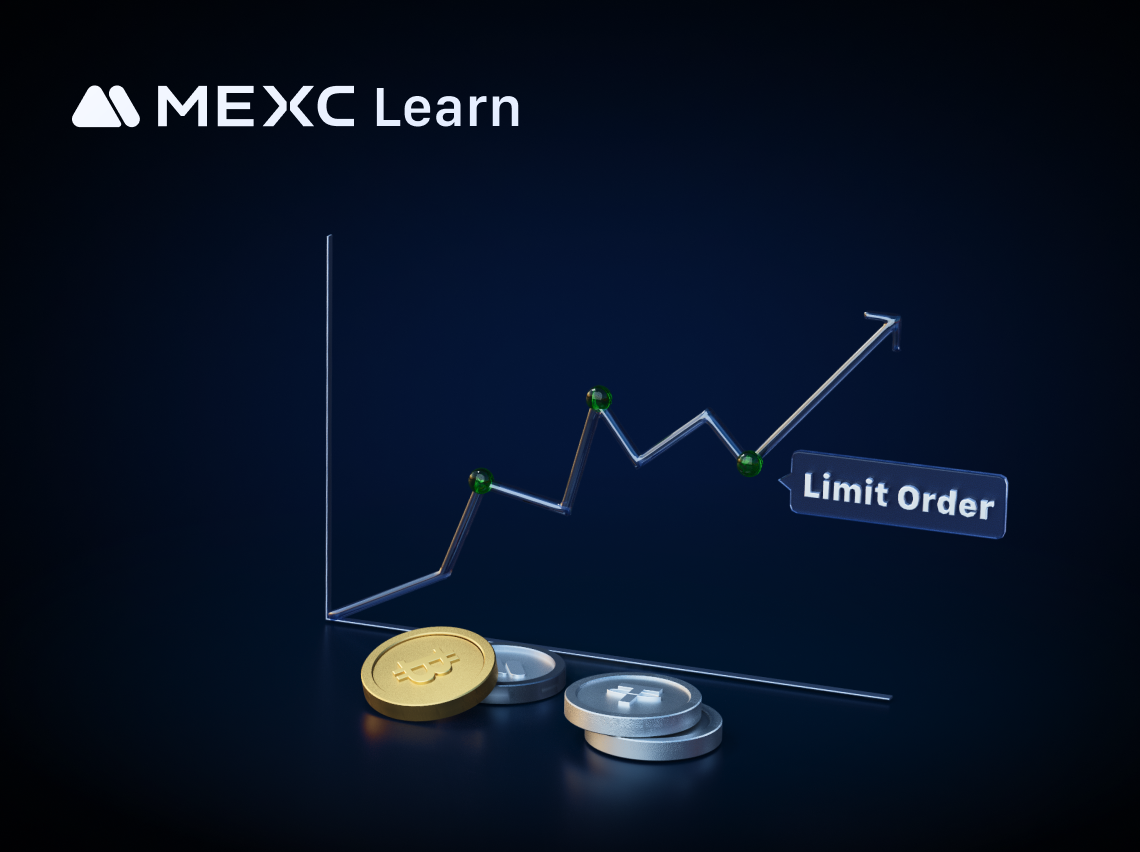
What is a Limit Order?

What is a Limit Order?

In the cryptocurrency market, limit orders serve as a critical trading mechanism, enabling investors to exercise precise control over the execution price of their trades.1. What Is Limit Order?1.1 Def
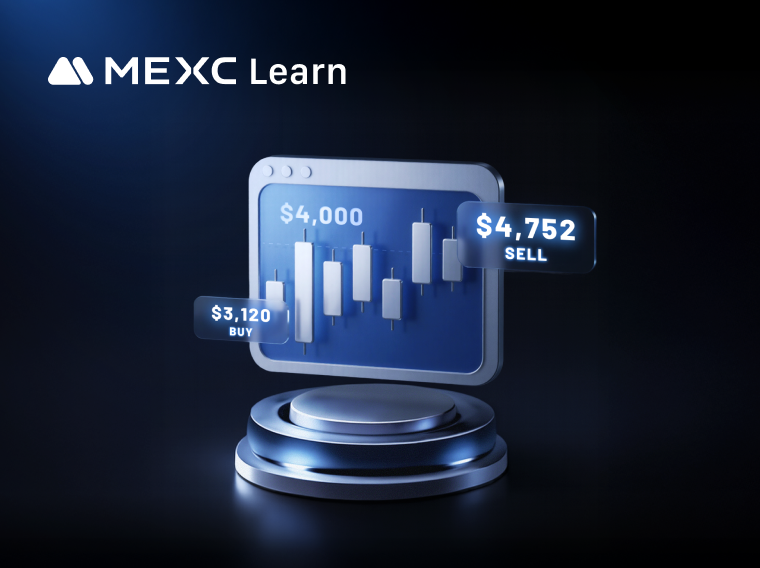

What are Take-Profit/Stop-Loss Orders? Your Automated Tool for Risk Management and Profit Locking

What are Take-Profit/Stop-Loss Orders? Your Automated Tool for Risk Management and Profit Locking

1. What Is a Take-Profit/Stop-Loss Order? A Take-Profit/Stop-Loss order lets users set a trigger price in advance, along with the price and quantity to buy or sell once the trigger is reached. When th

Sign Up on MEXC
Sign Up & Receive Up to 10,000 USDT Bonus
Is Your Stablecoin Truly Safe?
Is Your Stablecoin Truly Safe?Is Your Stablecoin Truly Safe?
Know the risks of USDT, USDC, OpenUSD & USD1

Join the MEXC Community

Get the latest listings, events, and updates in real time, straight from our official Telegram channel.

25k+ members